













Artificial Intelligence is no longer experimental — it’s operational.
Microsoft Copilot transforms how organizations work by embedding AI directly into Microsoft 365, Teams, Excel, Word, Outlook, and Power Platform.
At Tech One Global Lanka, we help enterprises securely deploy, govern, and scale Microsoft Copilot — turning AI from a feature into a competitive advantage.
Microsoft Copilot is an AI-powered assistant integrated across Microsoft applications.
It helps your teams:
No new platform. No complex retraining. Just AI inside your existing Microsoft ecosystem.
Microsoft has created a powerful suite of Copilot solutions to match your goals:
See how Microsoft Copilot drives better performance, faster results, and more engaged teams.
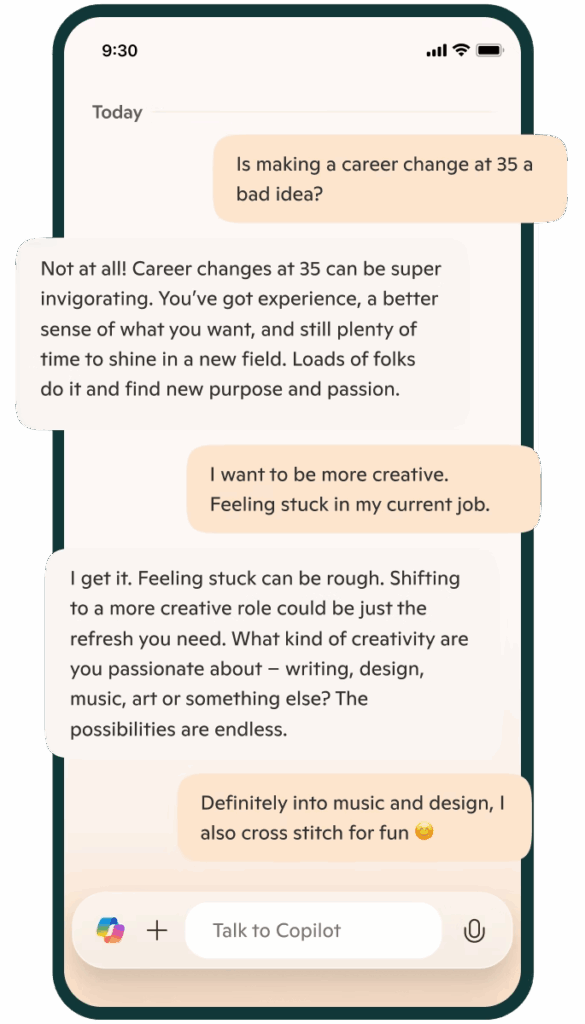
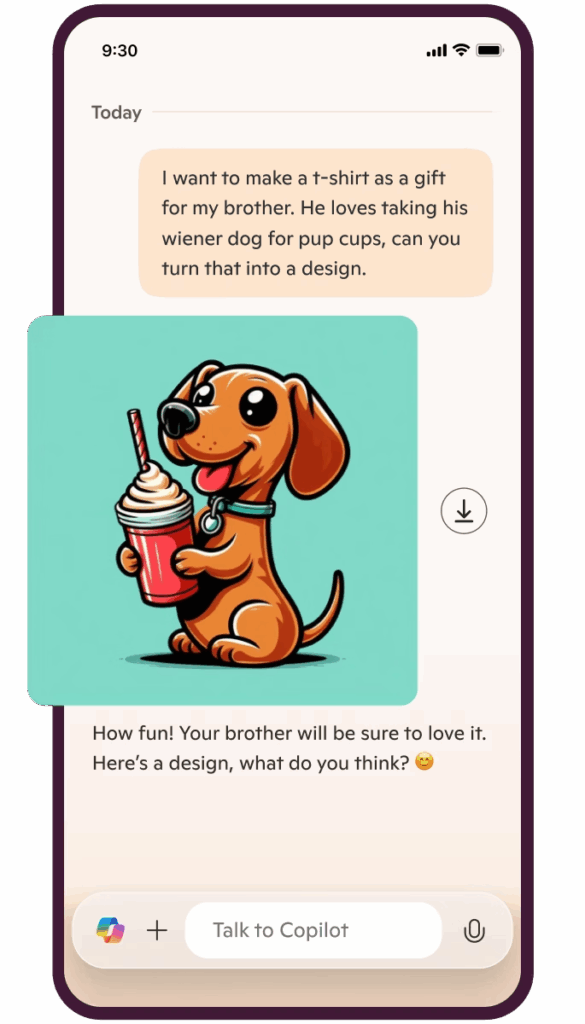
Stay connected wherever work takes you. The Microsoft Copilot mobile apps for Android and iOS bring smart, AI-powered support to your fingertips. Whether you’re replying to emails, creating content, or managing tasks, Microsoft Copilot helps you stay productive on the move. Designed for busy professionals in the Philippines, it’s the smarter way to work from anywhere.
Microsoft Copilot is redefining how organizations operate — not by replacing people, but by augmenting their capabilities.
Here’s how Copilot transforms the modern workplace:
Eliminate busywork. Reclaim strategic time.
Copilot reduces repetitive administrative tasks by instantly drafting content, summarizing meetings, generating reports, and automating follow-ups.
Your teams spend less time on manual effort — and more time on high-value decision-making.
Better ideas. Faster alignment.
With real-time AI suggestions, contextual summaries, and automated action tracking in Microsoft Teams and Outlook, Copilot improves communication clarity and accelerates team productivity.
Collaboration becomes structured, efficient, and insight-driven.
From raw data to real insight — instantly.
Copilot in Excel and Power BI enables:
What once took hours of analysis can now happen in minutes.
AI that understands your business context.
Microsoft Copilot adapts to:
Through Microsoft Graph and tenant-level data security, Copilot delivers contextual responses aligned with your organization’s workflows.
At Tech One Global Lanka, we ensure this intelligence is governed, secure, and optimized for enterprise performance.
AI where you already work.
Whether you're using:
Copilot is embedded directly within your Microsoft environment — eliminating the need for separate AI tools or disconnected platforms.
It works inside your ecosystem, securely and intelligently.
Integrated within:
Boost everyday productivity with contextual AI assistance.
Improve collaboration efficiency across departments.
Make complex data easier to understand and act upon.
Beyond standard Copilot capabilities, organizations can build:
As a Microsoft Solutions Partner with a deep focus on digital and AI innovation, Tech One Global brings the experience, strategic insight, and technical expertise to help you implement and maximize Microsoft Copilot to its fullest potential.
We bridge technology with real business outcomes not just technology installation.
Microsoft Copilot is an AI-powered assistant designed to help you with a wide range of tasks. It leverages advanced AI technologies, including natural language processing and machine learning, to provide support in various areas such as productivity, information retrieval, and creative tasks. It helps you write, analyze, and automate tasks in apps like Word, Excel, Outlook, PowerPoint, and other solutions across the Microsoft ecosystem. Tech One Global is a top Microsoft partner that can help businesses like yours integrate Copilot in your day-to-day operations.
Microsoft Copilot works by leveraging advanced AI technologies to understand and respond to your queries. It uses Natural Language Processing (NLP), Machine Learning, Web Search Capabilities, and it's integration within the Microsoft ecosystem to generate relevant content based on your work data. For best practice for integration and how to get the most value our of Copilot, contact Tech One Global today!
Copilot is available in Microsoft 365 apps like Word, Excel, PowerPoint, Outlook, Teams, and OneNote. Microsoft Copilot AI is also available in other Microsoft solutions like Azure, Fabric, PowerBI, PowerApps, and Copilot Studio, to mention a few. Tech One Global helps businesses roll it out across teams, ensuring smooth integration and proper data access.
Yes. With Microsoft Copilot, your data remains your data. It follows Microsoft’s enterprise security and compliance standards for data privacy, encryption, compliance, and access controls. Microsoft Copilot also receives regular updates to its security protocols to address emerging threats and vulnerabilities. Tech One Global can guide your IT team in setting up proper access controls and data protection when enabling Copilot
Yes, Microsoft Copilot typically requires a special license to access its full range of features. This license is often part of specific Microsoft 365 plans or subscriptions. Depending on the plan, you may get access to Copilot's capabilities within various Microsoft applications like Word, Excel, PowerPoint, and more. Tech One Global can help you assess your current setup and guide license upgrades based on your team's needs.
It can analyze data, generate formulas, create charts, clean data, and create summaries from raw data. What's more, Copilot in Excel can help provide insights and recommendations based on your data, such as forecasting trends or highlighting key metrics. Tech One Global provides training so teams can make the most out of Copilot in Excel for reporting and analysis.
Copilot in Word can help enhance your writing and document creation. It can be your writing assistant by generating content, changing writing format, doing research, adding citations, and even translating language. Lastly, it can facilitate collaboration by tracking changes, suggesting edits, and integrating comments from multiple users. If you need help in maximizing Microsoft Copilot in Word, Tech One Global can help.
Microsoft Copilot in PowerPoint can help you create engaging and professional presentations with ease. It can help with design suggestions, content generation, slide organization, formatting, data visualization, and speaker notes. It can also create presentations based on other documents like Word, Excel, or OneNote. Lastly, it boosts collaboration as it integrates comments, suggestions, and edits from multiple users. Tech One Global can help you maximize PowerPoint in Copilot.
It can streamline your email and calendar management, making your workflow more efficient. Microsoft Copilot helps in email drafting, scheduling meetings, task management, inbox organization, automating responses, and integrating calendars. These features make Copilot a valuable tool for managing your communications and schedule. To maximize Copilot in Outlook, you can contact a top Microsoft partner like Tech One Global.
Yes. It saves time by automating writing, summarizing, and planning tasks. Tech One Global helps teams adapt faster by offering onboarding sessions and tailored use cases for different departments.
Microsoft Copilot is available to users with specific Microsoft 365 plans that include access to its features. Not all Microsoft 365 subscriptions automatically include Copilot, so it's important to check the details of your plan.
Typically, Copilot is included in higher-tier plans such as:
If you're unsure whether your current plan includes Copilot, you can review your subscription details or contact Tech One Global for support or more information.
Use clear, specific prompts when interacting with Copilot to get accurate results. Integrate it into routine tasks like drafting emails, summarizing documents, or analyzing data. Regular use helps Copilot adapt to your workflow, enhancing productivity over time.
Microsoft Copilot is an AI-powered assistant embedded within Microsoft 365 applications such as Word, Excel, Outlook, Teams, and PowerPoint. It helps generate content, summarize information, analyze data, and automate tasks using your organization’s existing data securely.
Yes. Copilot operates within your Microsoft 365 tenant and respects existing identity and permission structures.
Tech One Global Lanka enhances security by implementing:
We ensure AI operates within compliance boundaries.
Microsoft Copilot requires eligible Microsoft 365 enterprise licenses along with a Copilot add-on license.
We conduct a licensing assessment to determine readiness and cost optimization before deployment.
Deployment timelines depend on:
Typical enterprise rollout ranges from 4–8 weeks for phased implementation.
No. Copilot enhances human productivity by automating repetitive tasks and accelerating content creation.
It allows employees to focus on strategic, creative, and decision-making activities rather than administrative tasks.
Copilot accesses data users already have permission to view within Microsoft 365.
It does not override security boundaries. Data access is governed by existing permissions and policies.
Yes — but access is controlled by your organization’s security configurations.
Tech One Global Lanka ensures proper data classification and governance before enabling Copilot across sensitive environments.
Copilot Studio allows organizations to build custom AI agents and automation workflows tailored to internal processes.
We help design and deploy custom Copilot solutions that integrate with your business systems.
ROI can be measured through:
We help define performance metrics before rollout.
AI governance ensures responsible and compliant AI usage.
It includes:
Tech One Global Lanka embeds governance into every Copilot deployment.
Yes. Through Microsoft Graph and Copilot Studio, AI capabilities can integrate with:
We design integrations aligned to security and business objectives.
Because we combine:
We help organizations move from AI curiosity to AI confidence.
Transform productivity into strategic advantage.
Partner with Tech One Global Lanka to deploy Microsoft Copilot securely and confidently.
Contact us to schedule your Copilot readiness session.